

- iOS
- Android
- Education
Montessori Visual Timer
Visual timer for children
Help children understand time in a calm, visual way. Instead of numbers counting down, children see time pass, which makes routines, transitions, and waiting periods easier to understand.
- 4.8 on App Store · 4 ratings
Store ratings, read 2026-10-17.
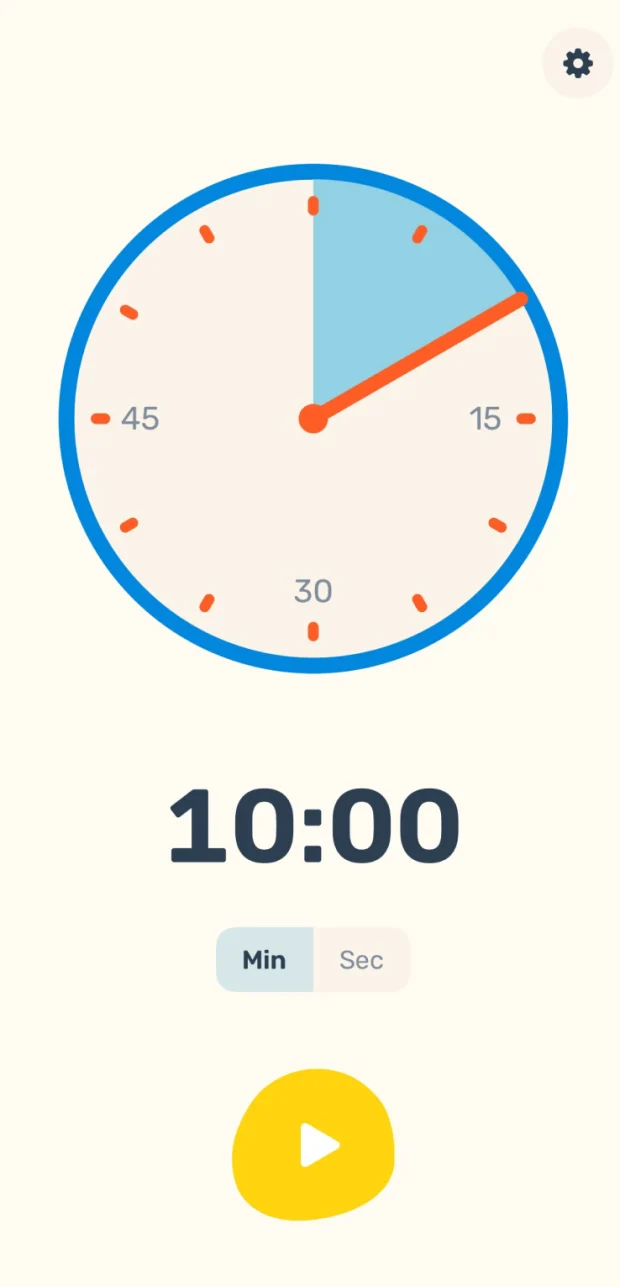
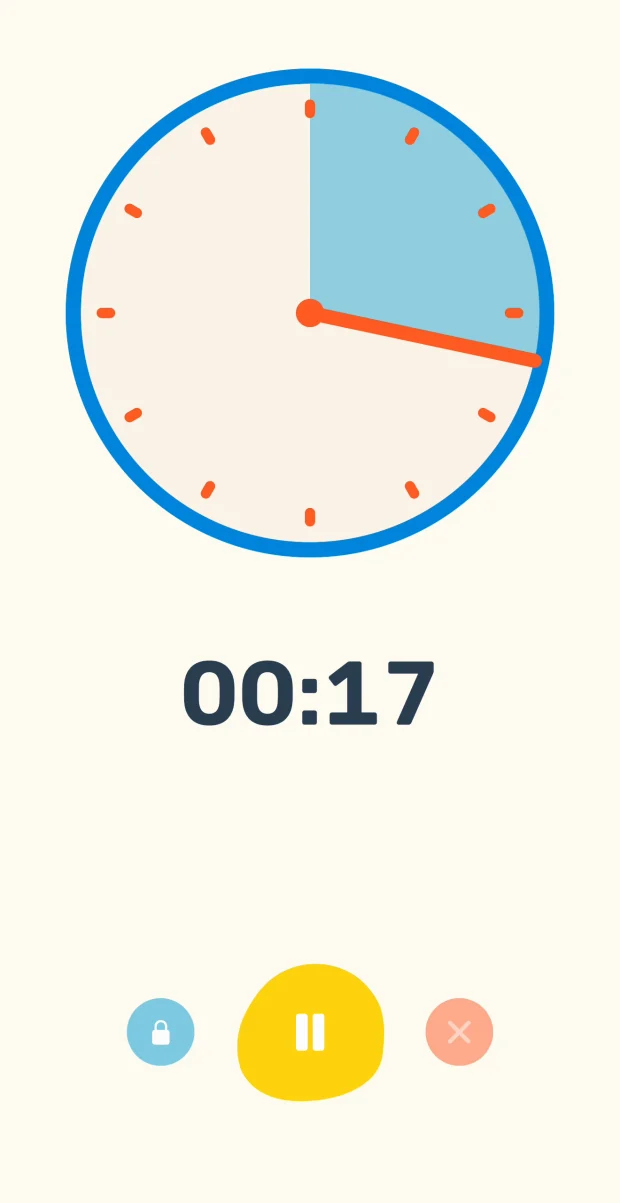
Montessori Visual Timer is a simple, distraction-free timer for kids and their parents, teachers, and therapists. Inspired by Montessori principles, it focuses on independence, clarity, and calm environments, at home, in classrooms, and in therapy settings.
It is simple enough that children can run it themselves, which is the point: the timer belongs to the child, not to the adult enforcing it.
What it does
Features
- Visual countdown, so children see how much time is left
- Simple and intuitive, designed so children can use it themselves
- Adjustable durations for short tasks or longer activities
- A gentle completion alert when time is up
- Quick timers: one tap for daily routines
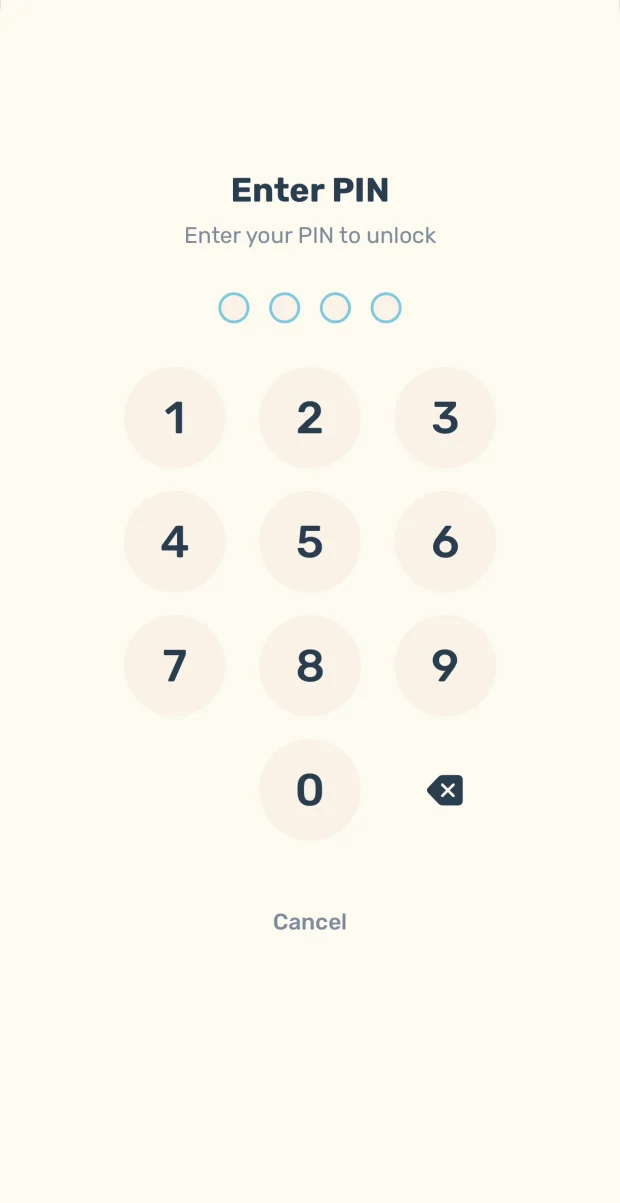
- Lock controls: a PIN keeps little hands out
- Minimalist design with no ads and no clutter
Made for
- Routines like brushing teeth, clean-up time, reading, homework, or screen breaks
- Montessori homes and classrooms
- Preschool and elementary children
- Building independence and time awareness
- Managing transitions between activities
Questions
- Is there a visual timer app for young children?
- Montessori Visual Timer shows time as a coloured section of a clock face that shrinks as time passes, so children can see how much time is left without reading numbers. It runs on iPhone, iPad, and Android.
- How does a visual timer help with transitions?
- Children see time disappear instead of watching numbers count down, which makes it easier to understand how long is left in a routine, a transition, or a wait. A gentle alert signals when time is up.
- Can my child use it on their own?
- Yes. It is designed so children can use it themselves. A PIN lock keeps the controls from being changed, and quick timers start common routines like brushing teeth or clean-up time with one tap.
- Does Montessori Visual Timer have ads?
- No. There are no ads and no clutter, just the timer.
- Does it collect any data about my child?
- The app’s privacy policy states that it does not obtain any information when you download and use it, and that registration is not required.
Where to get it
Good to know
- iPhone, iPad, and Android.
- No ads.