
- Android
- Productivity
Always On Time
Calendar meeting alarm for Android
Always On Time turns your calendar events, appointments, and meetings into full-screen alarms with sound and vibration. Use it with Google Calendar and other calendars synced to your Android phone, then join a meeting straight from the alarm screen.
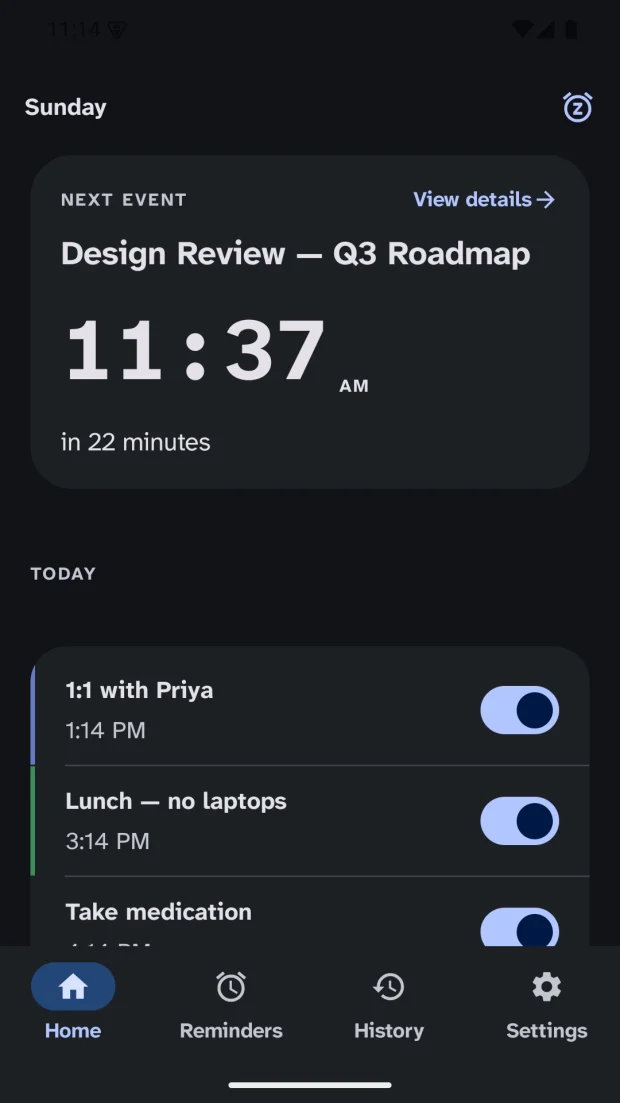
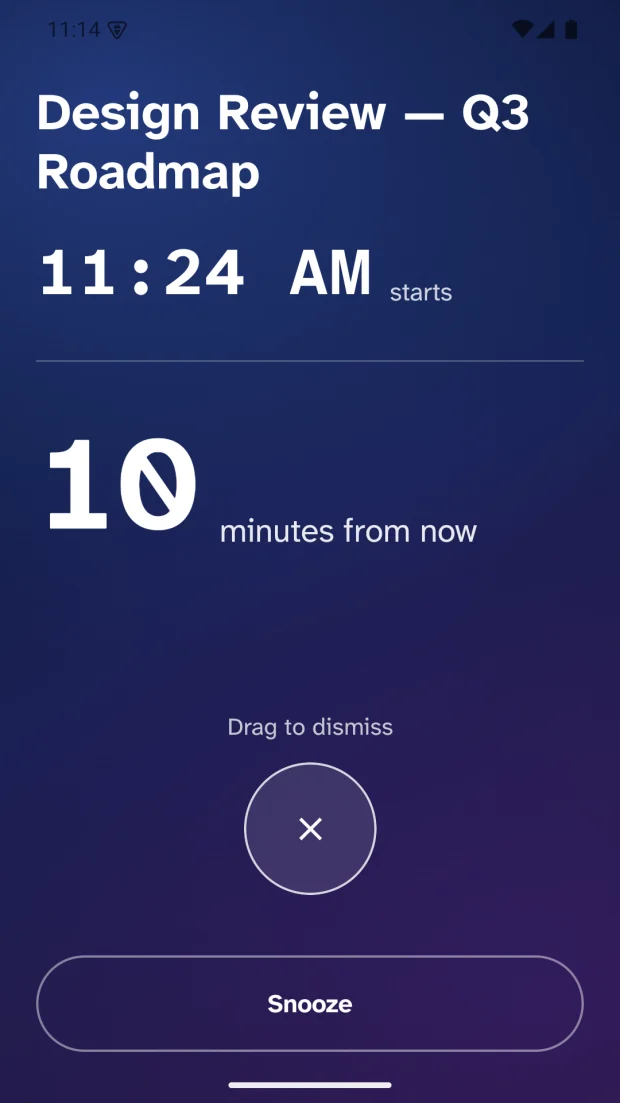
When you are absorbed in a task, a calendar notification is easy to miss. Always On Time gives meetings and appointments a full alarm instead, so you notice when it is time to switch. It is built for people with ADHD, people who experience time blindness, and anyone with back-to-back calls who simply loses track of time.
The app reads the calendars available through Android’s device calendar. A calendar has to be synced to your phone and appear in the app’s calendar selection; a calendar visible only inside another app may not be available.
What it does
Calendar alarms and reminders
- Choose which calendars the app monitors
- Set alarms before an event, including 5, 10, or 15-minute reminders
- Add more than one alarm per meeting to give yourself time to prepare
- Choose sound and vibration, then snooze or dismiss from the alarm screen
- Alarms can appear over your lock screen once the required Android permissions are on
- Create one-time or recurring personal reminders
Join in one tap
- Detects Google Meet, Zoom, Microsoft Teams, and Webex links in calendar events
- Open the meeting directly from the alarm screen when a supported link is available
Set up for reliable alarms
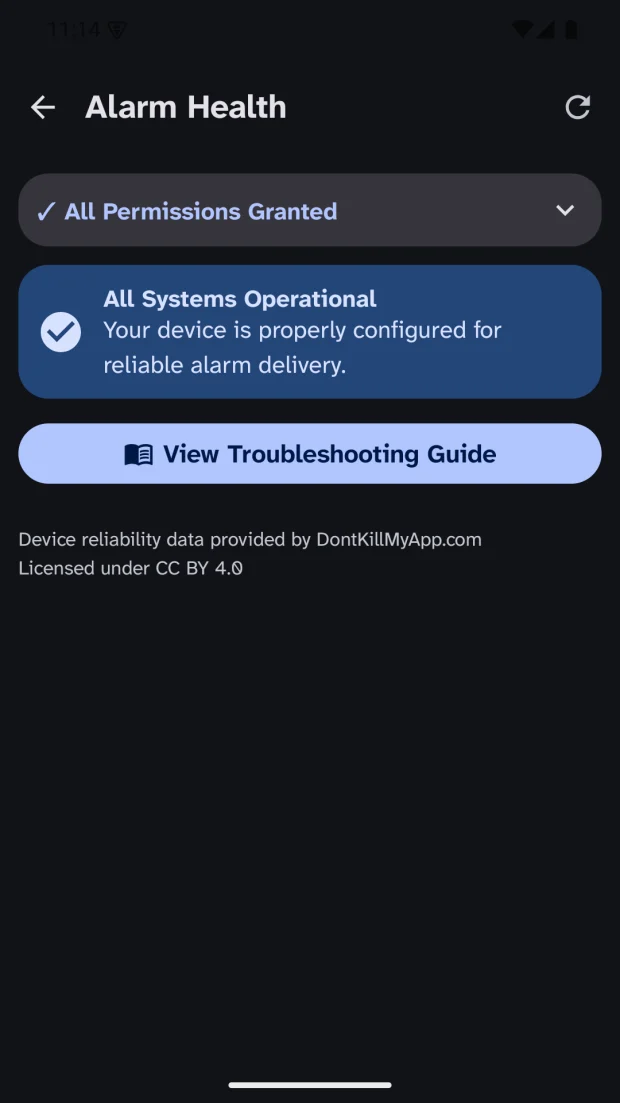
- Guided setup for notifications, exact alarms, full-screen alerts, and battery settings
- Upcoming alarms are restored after a phone restart
- Receive meeting alarms on a compatible Wear OS watch, and snooze or dismiss there
Questions
- Is there an Android app that turns Google Calendar events into real alarms?
- Yes. Always On Time turns calendar events, appointments, and meetings into full-screen alarms with sound and vibration. It works with Google Calendar and other calendars synced to your Android phone, and alarms can appear over the lock screen once the required Android permissions are enabled.
- Can I join a Zoom, Google Meet, or Teams call from the alarm?
- Yes, when the event contains a supported link. The app detects Google Meet, Zoom, Microsoft Teams, and Webex links in calendar events and lets you open the meeting directly from the alarm screen.
- Can it help if I have ADHD or time blindness?
- That is who it was designed for. A calendar notification is easy to miss while you are absorbed in a task; Always On Time gives meetings and appointments a full-screen alarm with sound and vibration so you notice when it is time to switch tasks. There are no scores or streaks to keep up.
- Does it work with Outlook or calendars other than Google?
- It reads any calendar available through Android’s device calendar. The calendar has to be synced to your phone and appear in the app’s calendar selection. A calendar that is visible only inside another app may not be available.
- Is Always On Time available on iPhone?
- No. It is an Android app, with a companion for compatible Wear OS watches. There is no iPhone version.
- Will my alarms still ring after I restart my phone?
- Yes. Upcoming alarms are restored after a restart. Android permissions and your phone’s battery settings affect alarm delivery, and the app’s guided setup walks you through both.
- Does Always On Time upload my calendar?
- Your calendar is processed on your phone to schedule alarms. Optional features, such as syncing settings between phones with a Google sign-in, send the information the privacy policy describes. The app shows no ads, and your data is not sold.
Where to get it
Good to know
- Android only, with a Wear OS companion. There is no iPhone build.
- No ads.
- Your calendar is processed on your phone to schedule alarms.